 LUXDrive
Features
Everything a project team needs around the file
From the first sketch to the operating building: one drive, one viewer, one place for the people and decisions around your drawings.
Windows Explorer
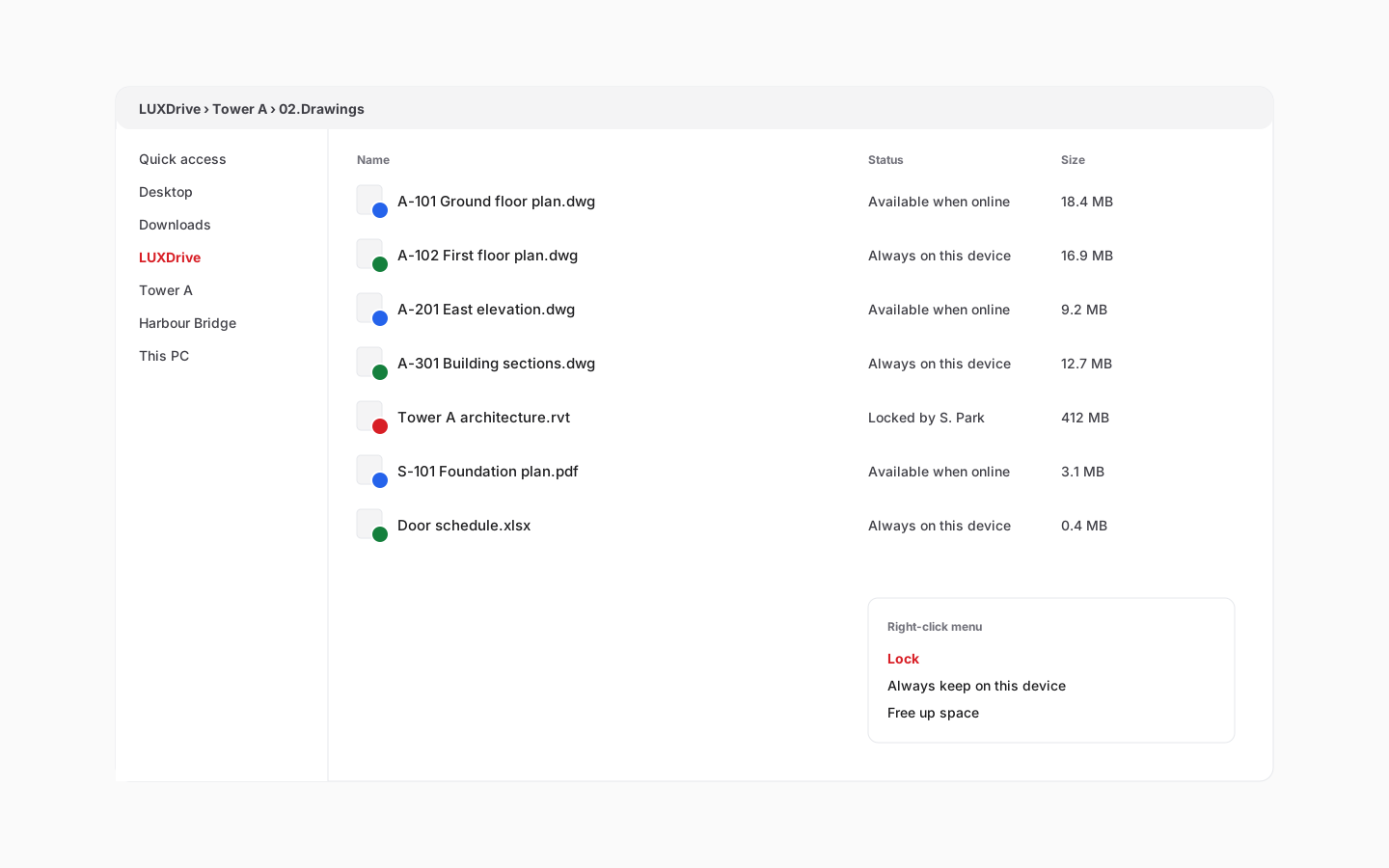
Your project files, as a drive in Explorer
The desktop client adds LUXDrive next to your other drives. Files download when you open them and free their space when you do not need them, so a 2 GB model never has to sit on every laptop.
- Files on demand with status icons: synced, pinned, locked, syncing
- Pick which projects appear on each computer
- Activity Center shows every upload and retry
Versions and locking
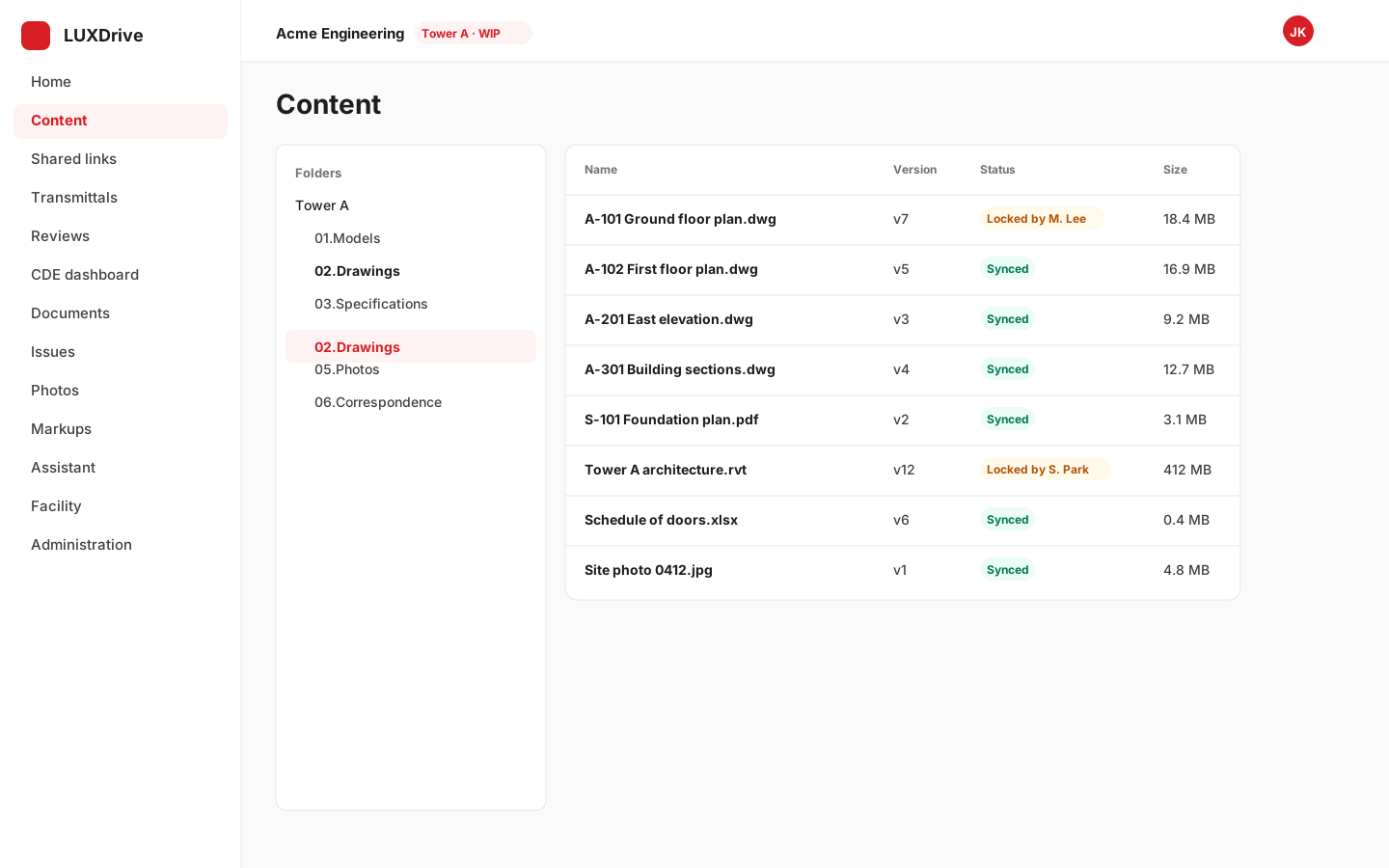
No more "who overwrote my file"
Lock a DWG, RVT or spreadsheet while you work and everyone else sees who has it. Every save is kept as a version you can compare or restore, and deleted files wait in the Recycle Bin.
- Exclusive file locks with owner and time
- Full version history, restore any version
- Recycle Bin with retention you control
Drawings in the browser
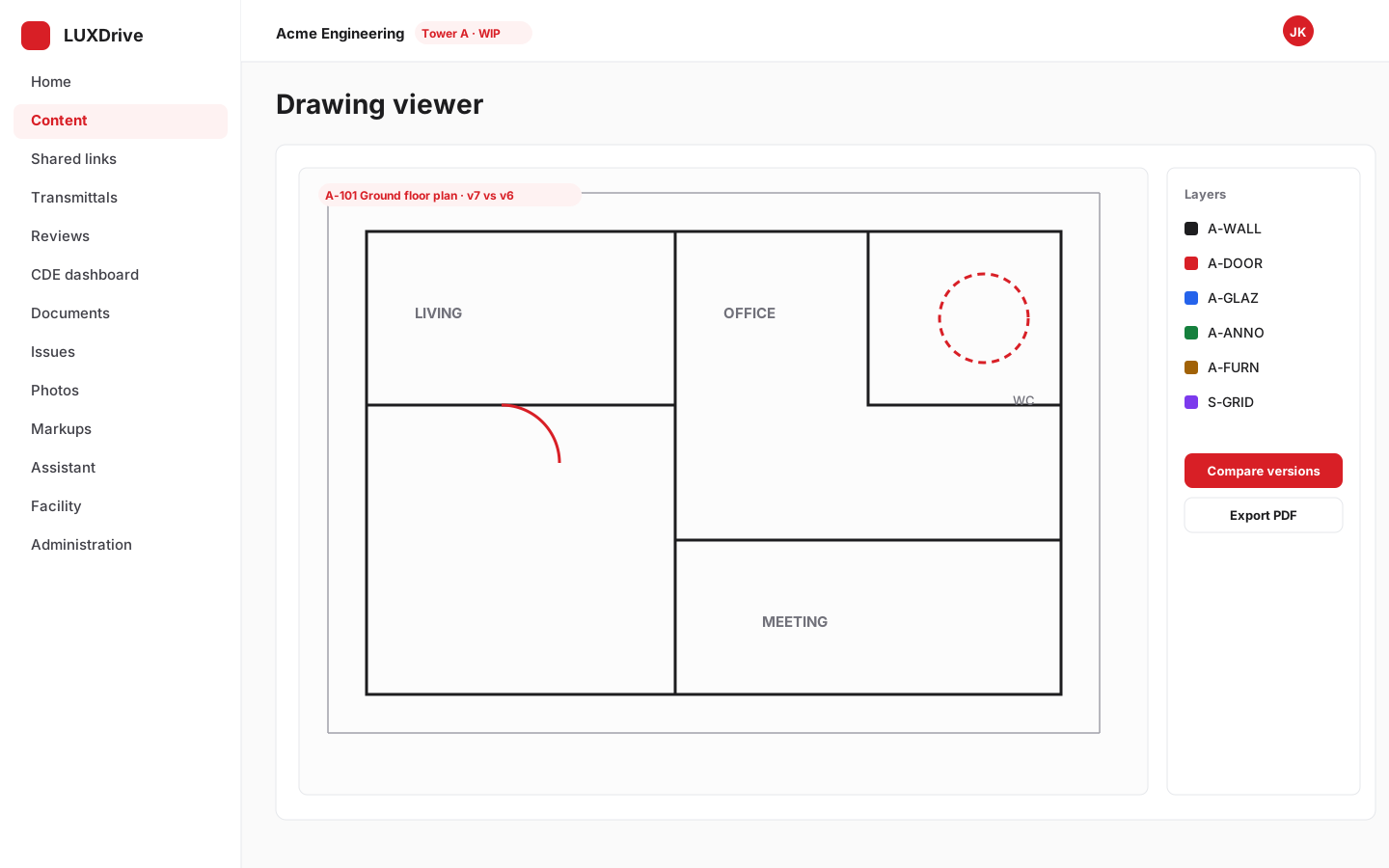
Open DWG, DXF and PDF without CAD software
The viewer shows sheets, xrefs, hatches and layers, compares two versions of a drawing and exports PDF. Large drawings are converted once on the server, so they open fast on any device.
- Sheets, layouts and external references
- Version compare with changes highlighted
- Mobile viewer keeps drawings and site maps on the device
Collaboration
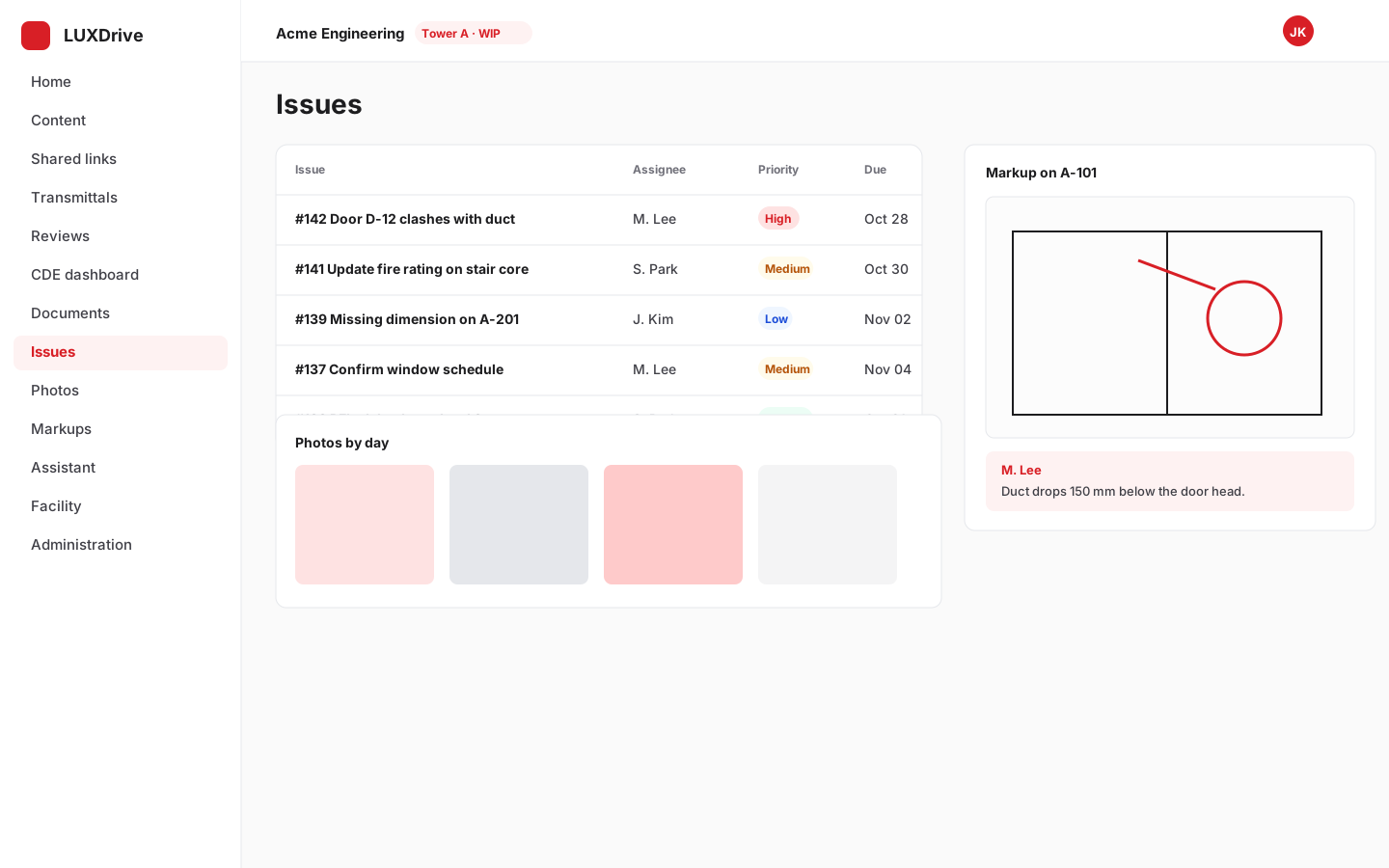
Markups, issues, photos and meetings next to the files
Annotate drawings and PDFs, track issues to closure, browse site photos by day or on a map, and keep channel talk and meeting minutes in the project, not in a separate tool.
- Markups on PDFs and images
- Issues with assignees and due dates
- Real-time documents and meeting notes
Sharing
Share with people outside your company, safely
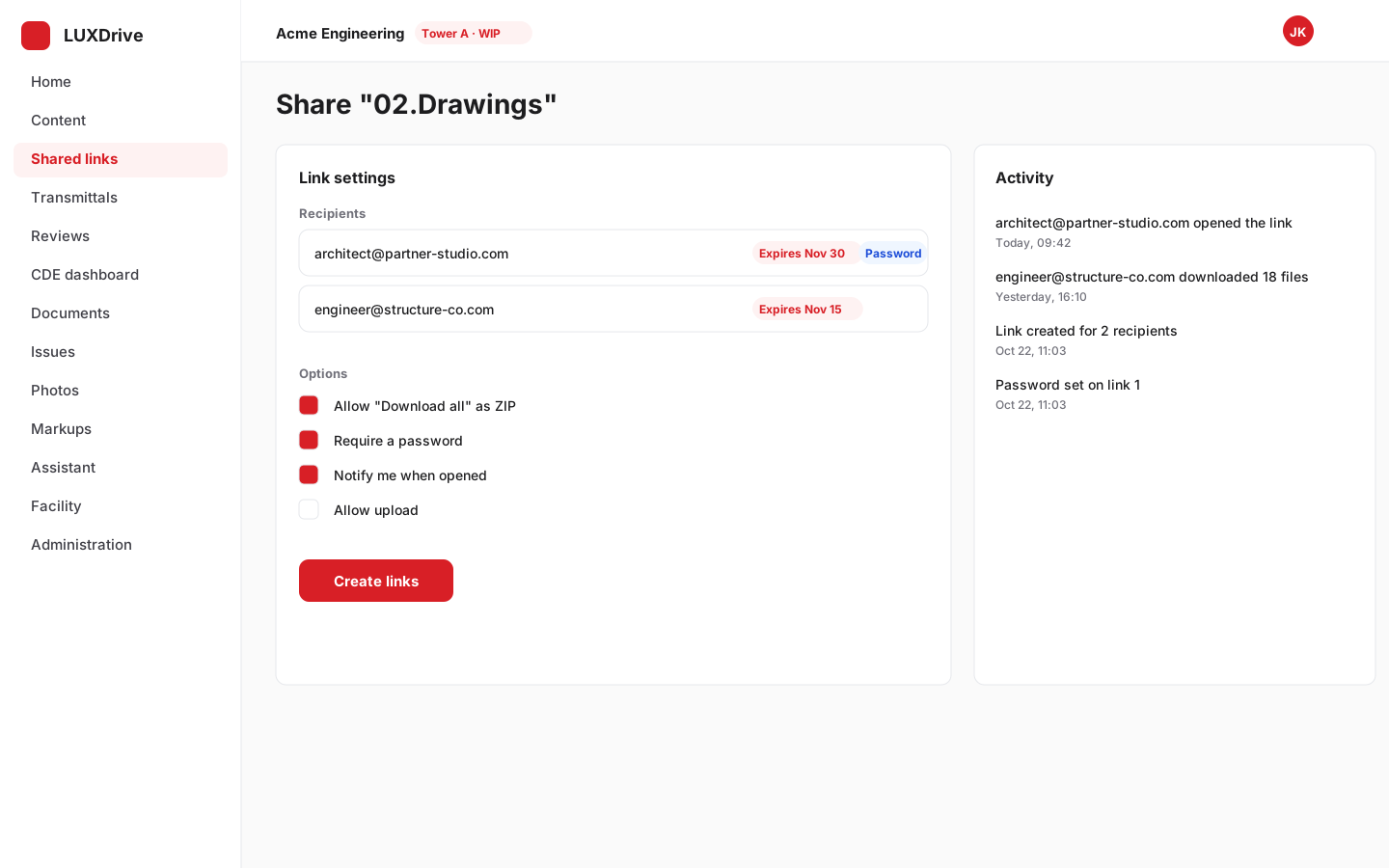
Send a link to a file or a whole folder. Each recipient gets their own link with an expiry, an optional password and a download log, under policies your administrator sets.
- Per-recipient links with expiry and revocation
- Folder links with "Download all" as a ZIP
- Everything recorded in the audit log
ISO 19650 CDE
A common data environment on the same files
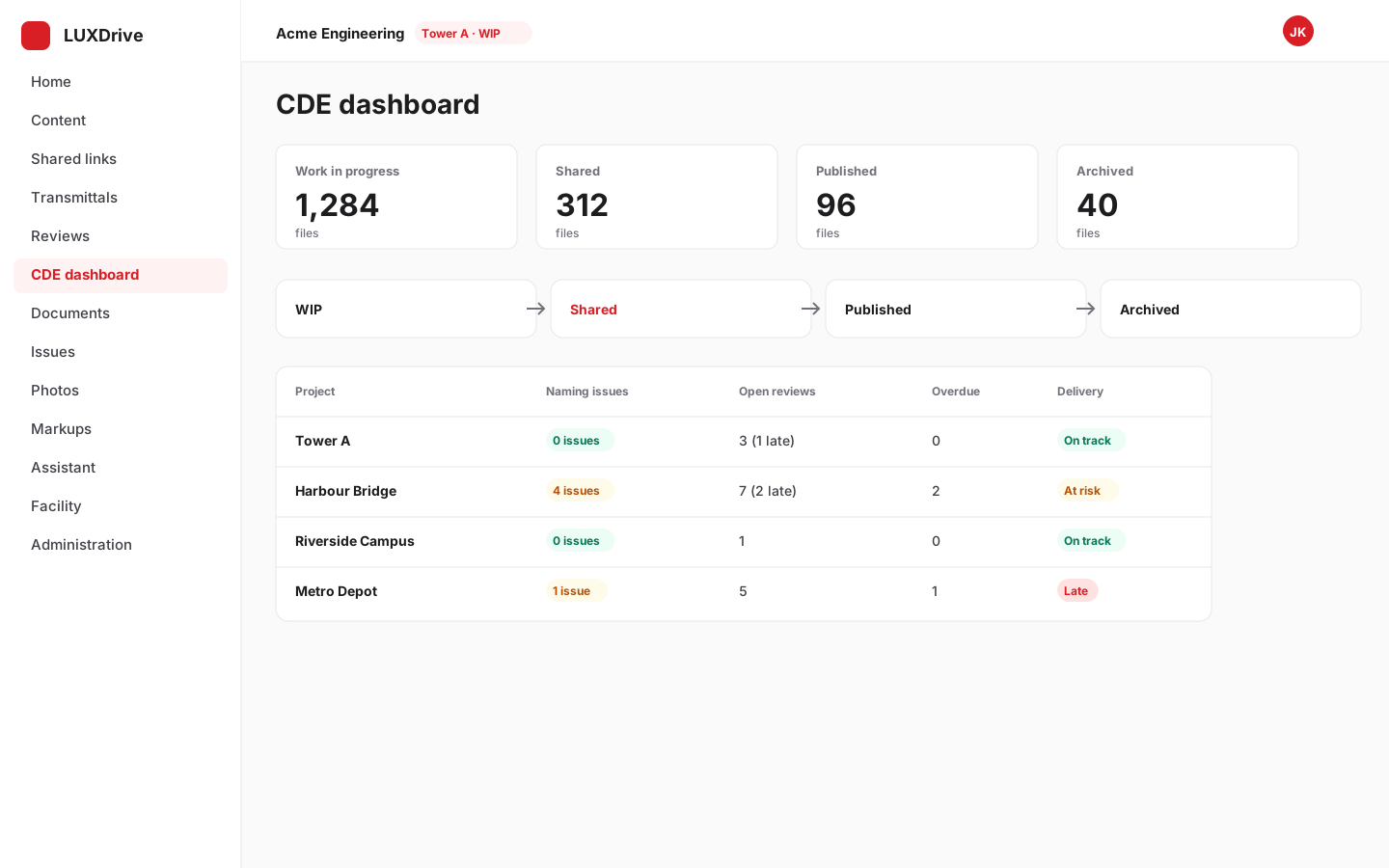
Container states (WIP, Shared, Published, Archived), naming conventions, reviews, transmittals and a delivery plan, so compliance is a by-product of working in the drive.
- Container states with state-change rules
- Transmittals and review workflows
- Naming checks at upload
Facility management
From hand-over to operations
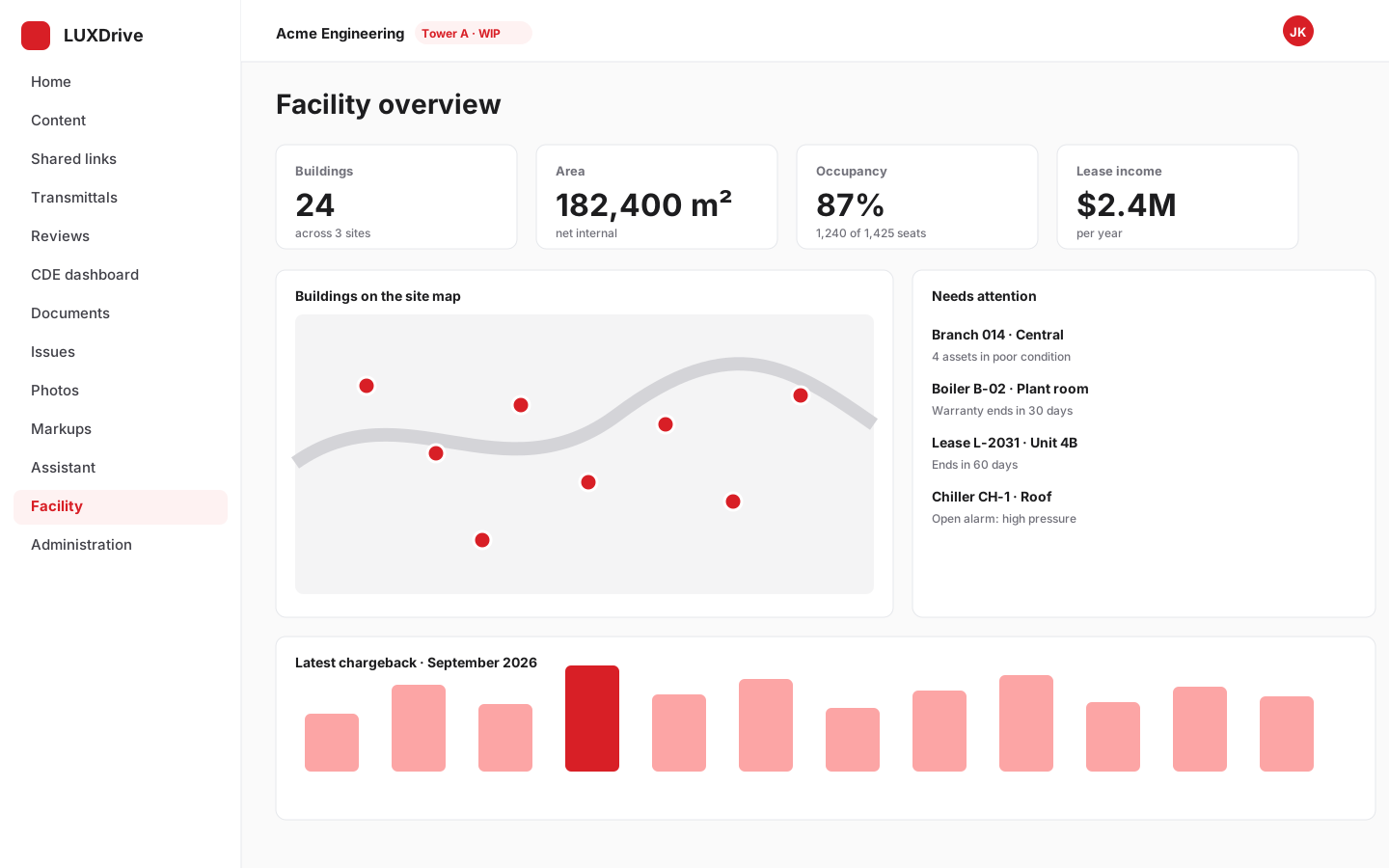
Spaces, assets, leases, work orders, chargebacks and reports for the building after construction, linked to the drawings it was built from, with a site map of your campus.
- Space registry, occupancy and chargeback
- Asset register, labels and audits
- Lease contracts, rent roll and IFRS 16 figures
AI assistant
Ask your project a question
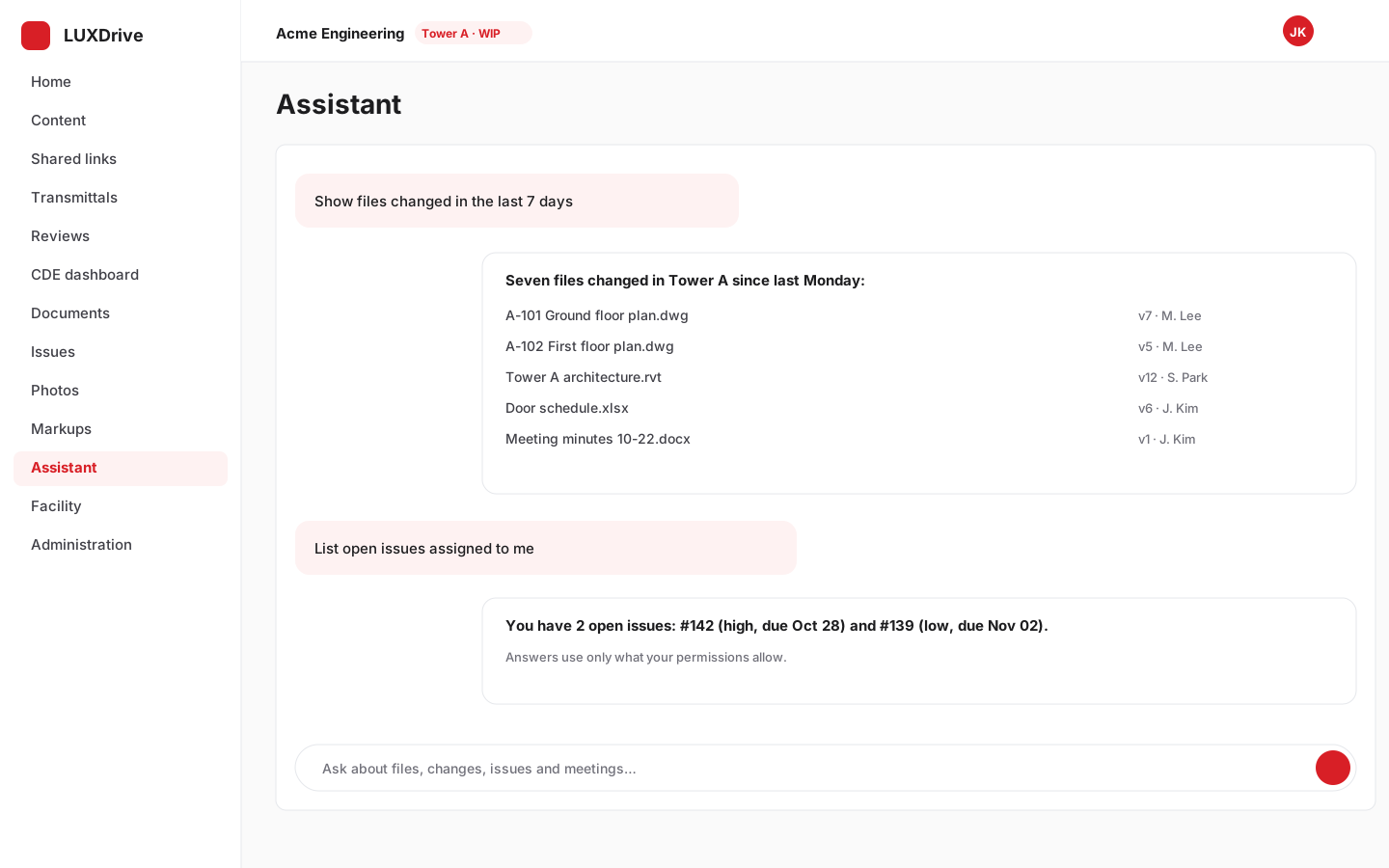
The assistant finds files, summarises changes and answers questions about the project using only what you are allowed to see. Daily briefings land in the project channel.
- Respects folder permissions
- Briefings per project
- Runs on your own infrastructure for on-premises installs
Administration and integrations
Controls IT will sign off
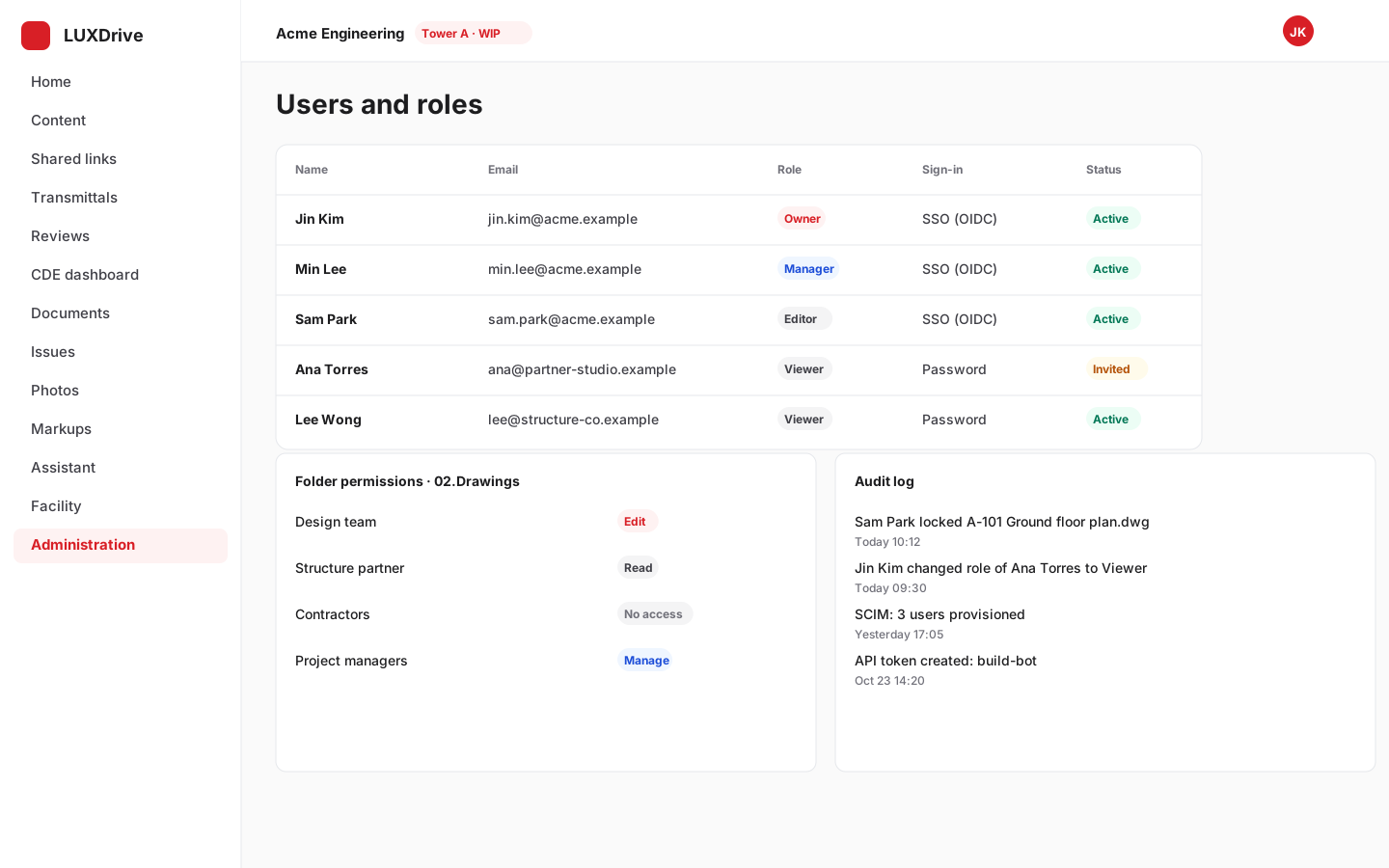
Single sign-on and SCIM, folder permissions, audit log and policies for the web console, plus an Outlook add-in, LUXConnector bulk uploads, webhooks and a public REST API with SDKs.
- SSO (OIDC / SAML) and SCIM provisioning
- Outlook add-in and LUXConnector
- REST API, webhooks and SDKs for TypeScript, Python and .NET
See it with your own drawings
Create a workspace in two minutes. The first 14 days are free.